Last Updated on: 7th November 2026, 08:47 am
Choosing the right Instagram username is one of the first steps to building your online identity. Whether you’re creating a personal profile, launching a business, becoming a content creator, or growing a brand, your username should be memorable, easy to type, and follow Instagram’s official rules.
Many people try to create a username only to see an error saying it’s unavailable or doesn’t meet Instagram’s requirements. This usually happens because the username is already taken, contains unsupported characters, or exceeds the platform’s character limit.
This guide explains everything you need to know about Instagram username rules, including the maximum character limit, which symbols are allowed, how often you can change your username, and practical tips for choosing one that works across social media.
Before you settle on a name, check whether it’s available.
Instagram Username Availability Checker
Enter your desired username below to check availability instantly.
(Embed your Username Availability Checker tool here.)
This tool can also suggest available alternatives if your first choice is already taken.
Instagram Username Rules at a Glance
| Rule | Details |
|---|---|
| Maximum Length | 30 characters |
| Minimum Length | 1 character |
| Letters (A–Z) | ✅ Allowed |
| Numbers (0–9) | ✅ Allowed |
| Underscore (_) | ✅ Allowed |
| Period (.) | ✅ Allowed |
| Spaces | ❌ Not Allowed |
| Emojis | ❌ Not Allowed |
| Special Symbols (!, @, #, $, %, &, etc.) | ❌ Not Allowed |
| Must Be Unique | ✅ Yes |
| Capital Letters | Displayed but not unique |
| Username Changes | Allowed at any time, subject to availability |
This table summarizes the most important Instagram username rules and is useful if you just need a quick answer.
What Is an Instagram Username?
An Instagram username is your unique account identifier. It appears after the @ symbol and becomes part of your profile URL.
For example:
- @alexjohn
- @travelwithemma
- @photography_daily
Your profile link would look like:
- instagram.com/alexjohn
Because every username must be unique, no two Instagram accounts can have exactly the same username.
Instagram Username Character Limit
Instagram usernames can contain up to 30 characters.
The total includes:
- Letters
- Numbers
- Periods
- Underscores
If your username exceeds 30 characters, Instagram won’t let you save it.
Examples
Valid
- alex
- alex_2026
- travel.with.emma
- dailyphotos_1
Too Long
- theofficialtravelerphotographer2026
Keeping your username short makes it easier for people to remember, search, and share.
What Characters Are Allowed?
Instagram only allows a limited set of characters in usernames.
Letters
You can use alphabetic characters.
Examples:
- emma
- john
- alex
- creativecorner
Numbers
Numbers are fully supported.
Examples:
- emma22
- gamer2026
- alex007
- travel365
Numbers are often useful when your preferred username has already been taken.
Underscores (_)
Underscores are one of the most commonly used separators.
Examples:
- alex_john
- the_real_emma
- travel_daily
Avoid adding multiple underscores unless necessary, as they can make a username harder to type.
Periods (.)
Periods are also allowed.
Examples:
- alex.john
- emma.photography
- daily.travel
A single period often makes long usernames easier to read.
What Characters Are Not Allowed?
Instagram does not allow many special characters.
The following are not permitted:
- Spaces
- Emojis
- Exclamation marks
- Question marks
- Dollar signs
- Percentage symbols
- Ampersands
- Plus signs
- Equal signs
- Slashes
- Backslashes
- Parentheses
- Quotation marks
Examples of invalid usernames include:
- john doe
- alex😀
- cool@user
- my#brand
- hello!
If you enter unsupported characters, Instagram will display an error and ask you to choose a different username.
Can Two People Have the Same Username?
No.
Every Instagram username must be unique.
For example:
- @johnsmith → Already taken
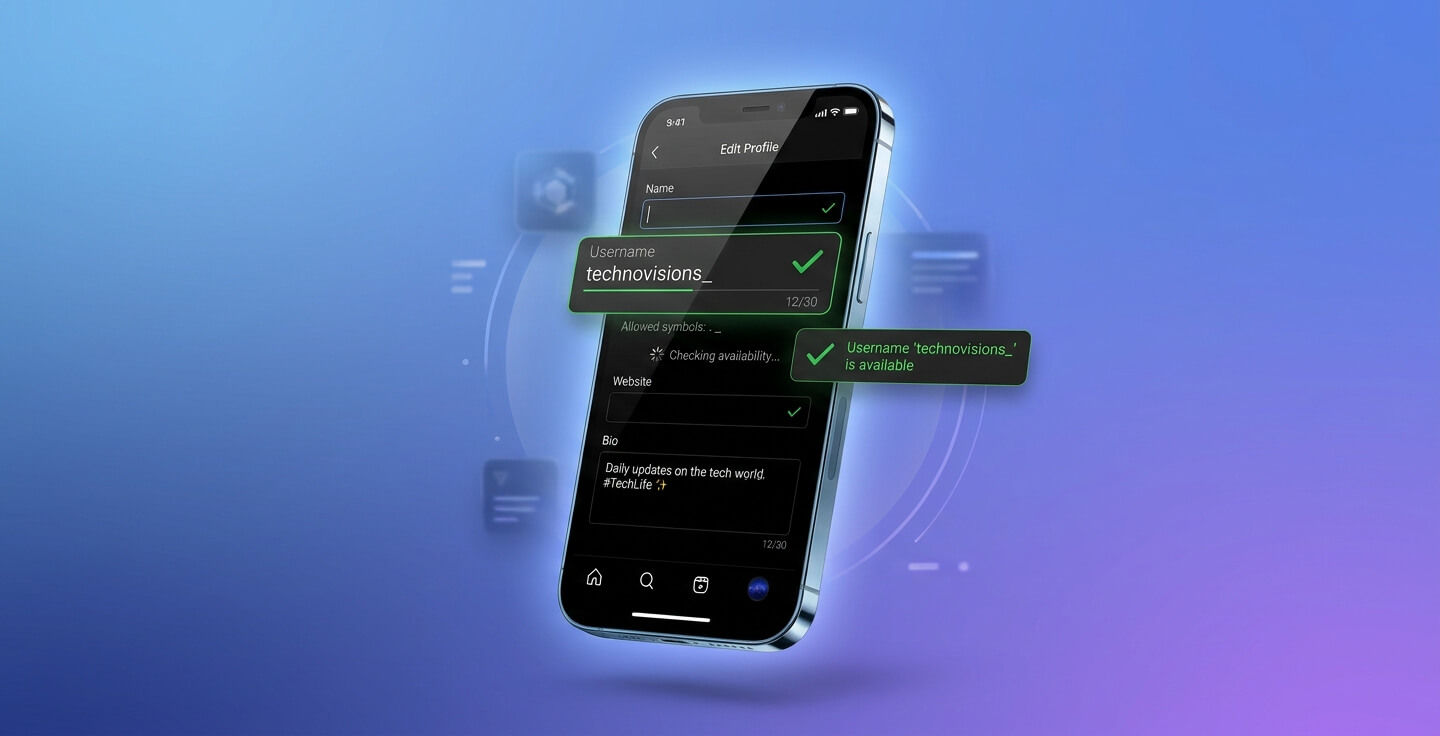
- @johnsmith_ → Available
- @john.smith → May be available
- @itsjohnsmith → May be available
If your preferred username isn’t available, consider adding:
- Your profession
- Your location
- A keyword
- A short number
- An underscore
This helps you create a unique username without making it overly complicated.
Are Uppercase and Lowercase Letters Different?
No.
Instagram treats uppercase and lowercase letters the same.
For example:
- @AlexJohn
- @alexjohn
- @ALEXJOHN
All three refer to the same username.
Although capital letters may appear in some places for styling, they don’t create a unique account.
Can You Use Spaces in an Instagram Username?
No.
Spaces are never allowed in usernames.
Instead of writing:
john doe
Use one of these:
- john_doe
- john.doe
- johndoe
This keeps your username valid while remaining easy to read.
Can You Use Emojis?
No.
Instagram does not allow emojis in usernames.
While emojis can appear in your bio, captions, or display name, they cannot be used inside your username.
For example:
❌ alex🔥
✅ alex_official
✅ alex.photography
Can You Use Special Symbols?
Instagram only accepts two symbols in usernames:
- Period (.)
- Underscore (_)
Everything else is rejected.
For example:
Allowed:
- alex.king
- alex_king
Not Allowed:
- alex#king
- alex@king
- alex+king
- alex&king
Keeping your username simple also makes it easier for people to tag and remember you.
Username vs Display Name
Many users confuse these two terms, but they’re different.
| Username | Display Name |
|---|---|
| Must be unique | Doesn’t have to be unique |
| Appears after @ | Appears at the top of your profile |
| Used in your profile URL | Doesn’t affect your URL |
| Maximum 30 characters | More flexible |
| Used for mentions and tags | Used for branding and recognition |
For example:
Username: @alextravels
Display Name: Alex | Travel Creator
Your display name gives you more freedom, while your username follows strict platform rules.